GTA 5 assets are the files the game is built from: 3D models (.ydr, .yft, .ydd), texture dictionaries (.ytd), map placements (.ymap), archetype definitions (.ytyp), collision (.ybn) and the meta files that tell the game how cars, weapons and clothing behave. On a FiveM server you use them in two ways: you reference vanilla assets by name, because every player already has them, or you stream new and edited assets inside a resource.
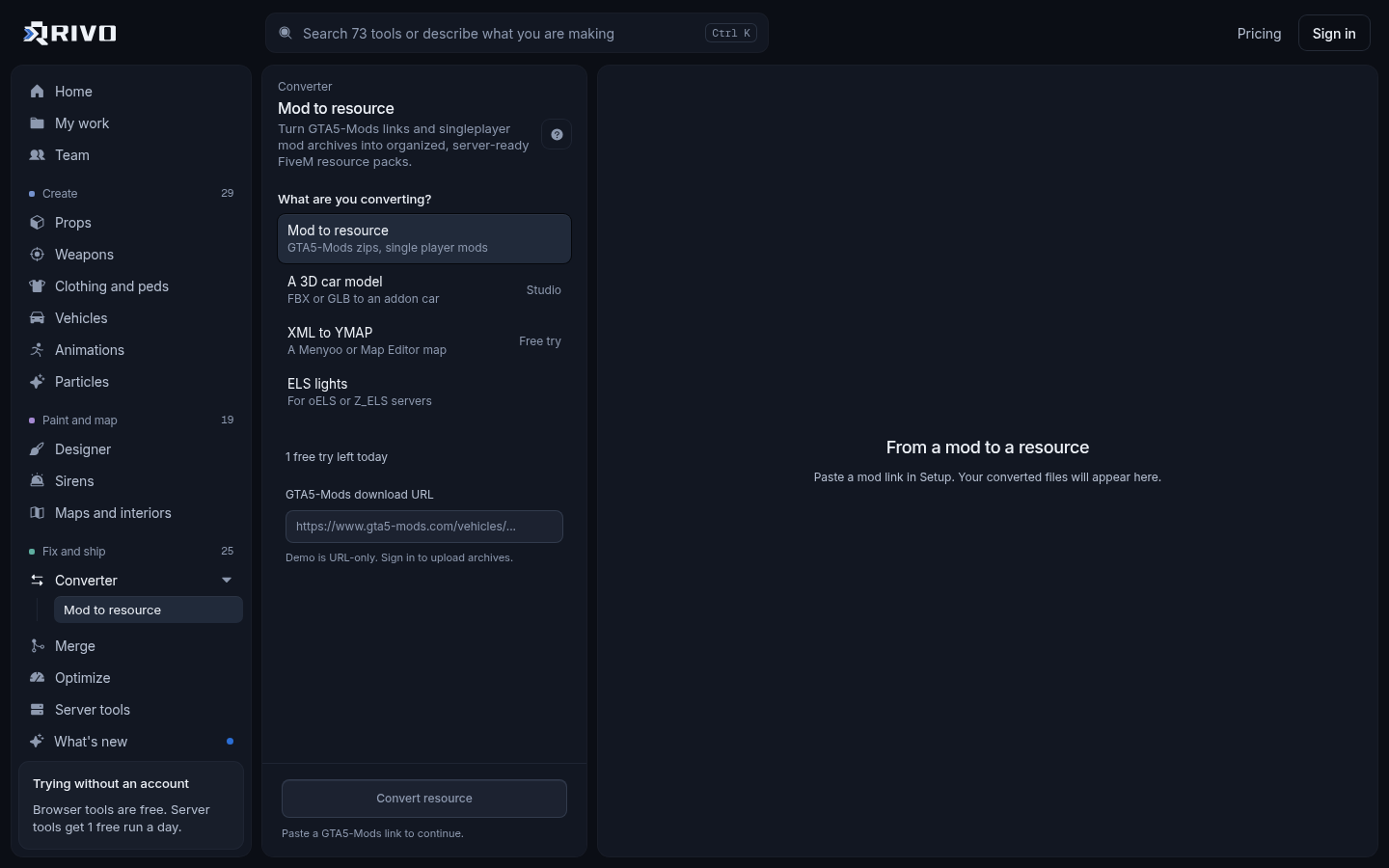
If you have downloaded a mod and want it on your server, the fastest route is the GTA 5 mod to FiveM converter. Paste a GTA5-Mods link or drop the mod's zip and you get a resource with the stream files sorted and a correct fxmanifest.lua. The rest of this guide covers the full picture: what each asset type is, where to find them, how to convert them by hand, and how to keep them from slowing your server down.
What counts as a GTA 5 asset
Most of what you will handle as a server owner falls into a short list of file types. Knowing which is which tells you where it goes in a resource.
Drawables (.ydr): single models such as props, signs and weapon parts.
Fragments (.yft): models that break or move, which is what vehicles are.
Drawable dictionaries (.ydd): groups of models, used for clothing and ped components.
Texture dictionaries (.ytd): the textures a model uses when they are not embedded in it.
Map files (.ymap): where entities sit in the world.
Archetype files (.ytyp): definitions that register props and MLO interiors with the game.
Collision bounds (.ybn): what players and cars physically bump into.
Meta files (.meta, .xml): vehicles.meta, handling.meta, carcols.meta, carvariations.meta, weapons.meta and similar data.
Animations (.ycd) and particle dictionaries (.ypt).
Vanilla assets vs streamed assets
Vanilla assets ship with the game, so you never upload them. A script can spawn prop_bench_01a or a stock car by its model name and every client loads it from their own install. This costs your server nothing in download size.
Streamed assets are anything new or modified: an addon car, a custom prop, a clothing pack, an edited texture. These live in a resource's stream folder and every player downloads them when they join. That is why streamed assets are where most performance problems start.
Finding vanilla assets: lists and galleries
People search for a GTA 5 asset list or asset library because they need the exact model name for a script, a mapping tool or a config. A visual gallery is quicker than guessing from names. Our GTA V asset gallery guide covers browsing clothes, hats and props, and the guides on FiveM props and FiveM peds explain how to find and spawn those by name.
For vehicle packs you bought or downloaded, the vehicle spawn code finder lists every spawn code in a pack with tuning parts filtered out, ready for a garage or dealership config.
Downloading GTA 5 assets safely
Download assets only from creators who allow server use, and respect the licence on each one. Many free mods are made for singleplayer and ask for permission before being used on a public server. Never use leaked or cracked paid resources: they break Cfx.re terms and often carry backdoors.
Read the mod page for usage terms before you put it on a public server.
Keep the original archive so you can redo a conversion later.
If a download includes Lua or JavaScript, run it through the backdoor and malware scanner before it goes live.
Pure asset packs (models, textures, meta) cannot run code, but their fxmanifest still can, so check what scripts it declares.
Converting GTA 5 assets for FiveM
Singleplayer mods are usually packaged for OpenIV as a .oiv or a folder with install notes and dlc.rpf files. FiveM wants a plain resource folder instead. A GTA 5 asset converter does that repackaging for you.
Using the converter
Open the GTA 5 mod to FiveM converter.
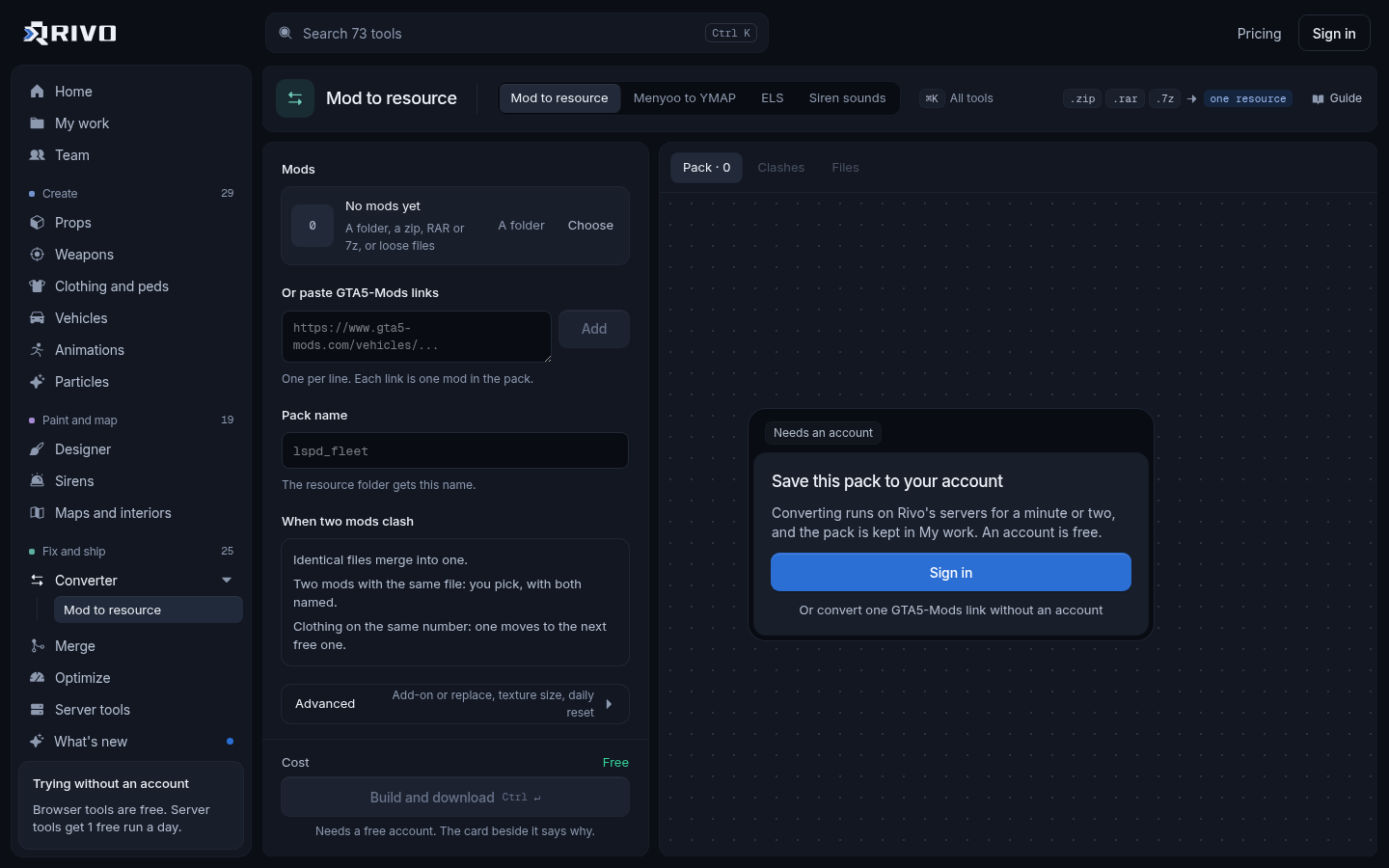
Paste the GTA5-Mods link or drop the mod's zip.
Rivo finds the models, textures and meta files inside and sorts them into a resource.
Download the resource, put it in your resources folder and add an ensure line to server.cfg.
Restart the server and test the asset in game.
More detail on how it handles different mod types is on the mod to FiveM converter page and in our GTA 5 mods converter guide.
Doing it by hand
If you prefer to build the resource yourself, the layout is simple. Models and textures go in stream, meta files go in a data folder, and the manifest declares the meta.
resources/
  [cars]/
    mycar/
      fxmanifest.lua
      stream/
        mycar.yft
        mycar_hi.yft
        mycar.ytd
      data/
        vehicles.meta
        handling.meta
        carcols.meta
carvariations.metafx_version 'cerulean'
game 'gta5'
files {
'data/vehicles.meta',
'data/handling.meta',
'data/carcols.meta',
'data/carvariations.meta'
}
data_file 'HANDLING_FILE' 'data/handling.meta'
data_file 'VEHICLE_METADATA_FILE' 'data/vehicles.meta'
data_file 'CARCOLS_FILE' 'data/carcols.meta'
data_file 'VEHICLE_VARIATION_FILE' 'data/carvariations.meta'Files in stream are picked up automatically. Custom props with their own .ytyp also need a DLC_ITYP_REQUEST data_file entry pointing at it. The fxmanifest.lua generator reads a folder and writes these entries for you, and the fxmanifest checker flags wrong paths and undeclared data_files. The official reference is at https://docs.fivem.net.
Making your own GTA 5 assets
When nothing on the download sites fits, you can create assets in the browser instead of setting up Blender, ZModeler and CodeWalker.
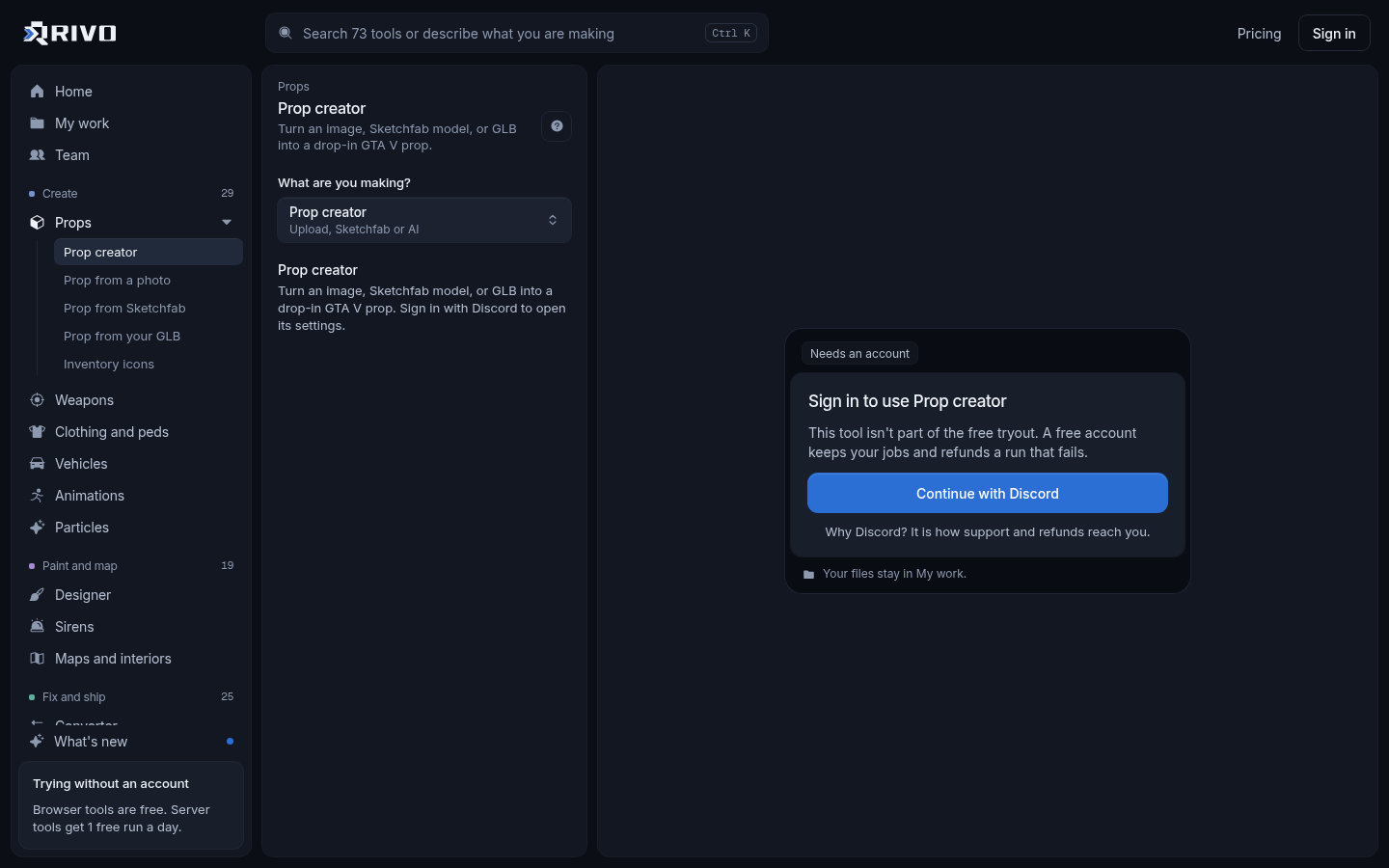
Props: the prop generator builds a streamed prop with collision from a photo, a text prompt, a Sketchfab model or a GLB.
Vehicles: the FBX to FiveM vehicle converter turns an FBX, GLB or glTF car into a drivable addon vehicle with its meta.
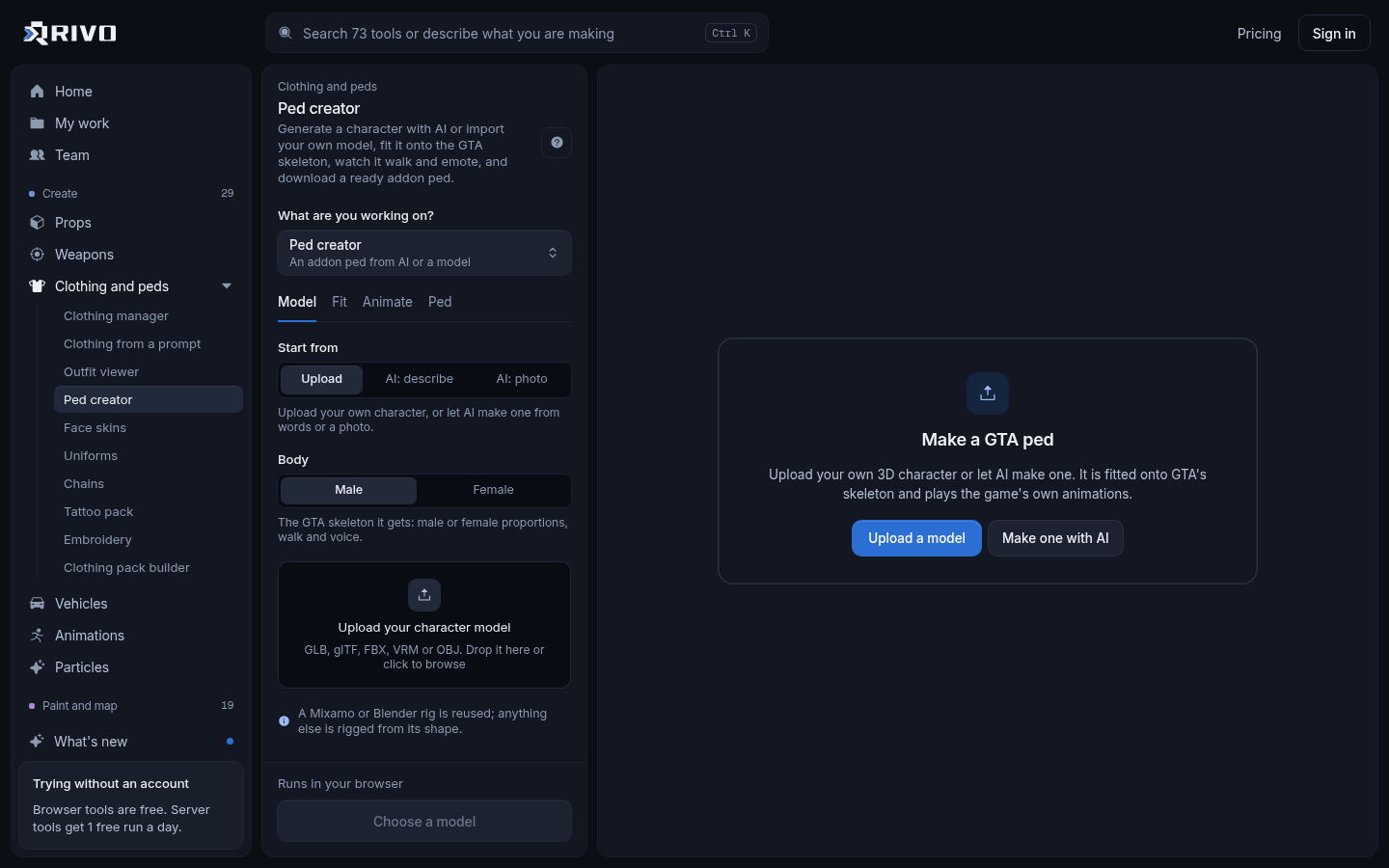
Peds: the addon ped creator fits a model to the GTA skeleton so it plays game animations.
Clothing: the clothing pack manager builds packs into one streamed resource with the ymt it needs.
Maps: the XML to YMAP converter turns Menyoo and Map Editor builds into streamable .ymap files.
Textures: the YTD texture editor lets you paint or replace textures inside an existing .ytd.
Keeping streamed assets from breaking your server
Every streamed asset adds to what players download and hold in memory. Oversized textures and dense vehicle meshes are the usual cause of texture loss and slow joins, and duplicate file names cause one resource to silently override another.
Run your resources through the server load checker to rank assets by size.
Shrink the worst texture dictionaries with the texture optimizer, and heavy cars with the vehicle optimizer.
Check for files and spawn codes shared across resources with the asset conflict finder.
If two maps edit the same area, use the map conflict resolver to merge them into one fix resource.
For vehicle packs, run the carcols ID fixer so siren, light and modkit ids do not clash.
GTA 5 assets in RDR2 or Max Payne 3
Some searches are about moving assets between Rockstar games. For a FiveM server, stick to GTA V content and assets you made or have permission to use. Porting models ripped from other games onto a public server is a licensing risk and not something to build a community on.
If you meant asset seizure or selling property
Searches like GTA 5 asset seizure, the asset seizure van location, or how to sell property and assets in GTA 5 are about GTA Online gameplay, not game files. This guide does not cover those. If you run a FiveM roleplay server and want property or business selling, that is handled by your framework's housing or business scripts rather than by the assets themselves.