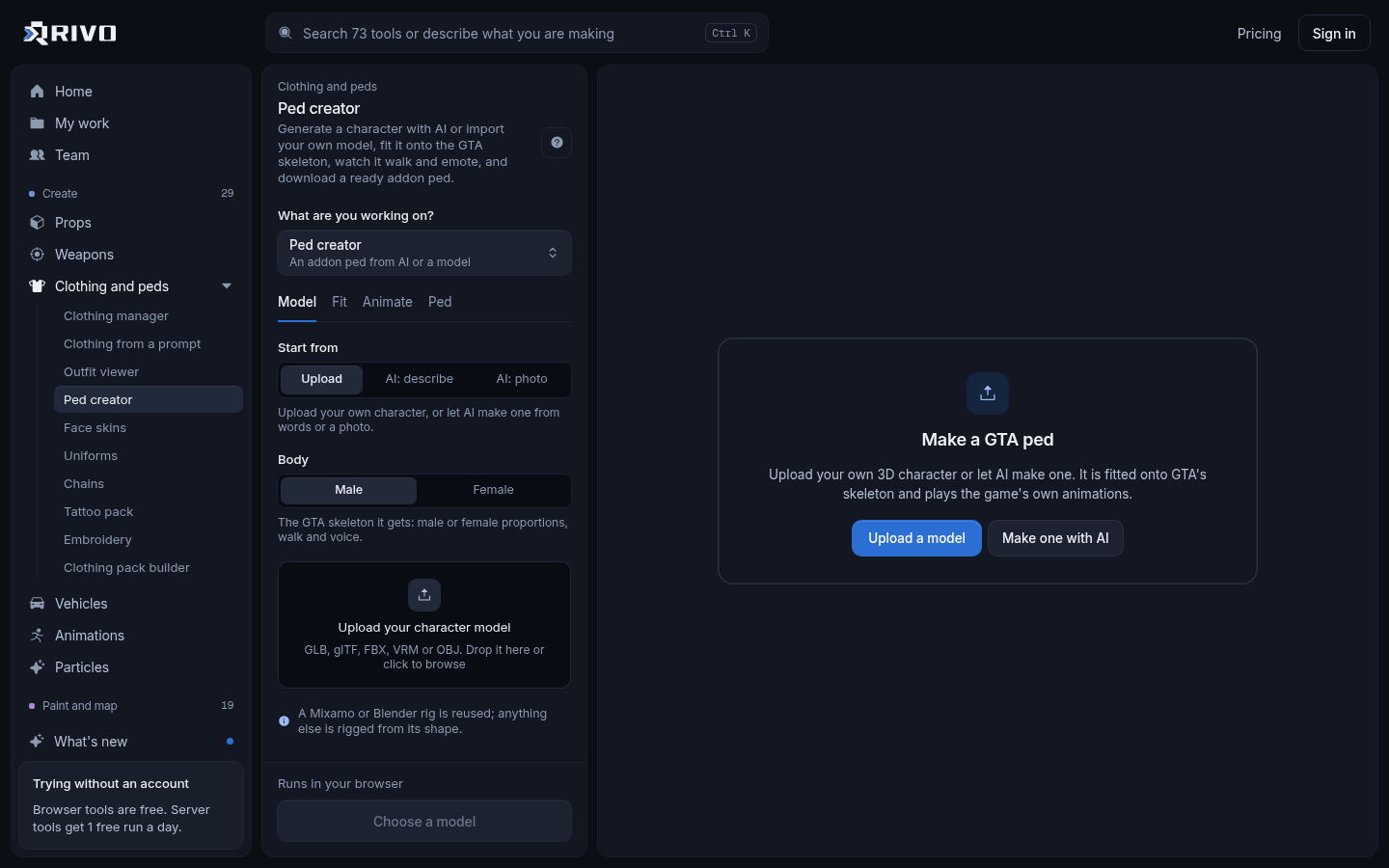
Most people searching for a FiveM converter want one thing: take a GTA V singleplayer mod, usually a car from GTA5-Mods, and turn it into a resource a FiveM server can load. The quickest route is the GTA 5 mod to FiveM converter. Paste a GTA5-Mods link or drop the mod's zip, and it sorts the models, textures and meta files into a server-ready resource with a correct fxmanifest.lua.
"Converter" also covers other jobs: raw 3D car models, Sketchfab links, EUP packs, map XML and ELS configs. Each needs a different tool, so start by matching your file to the right one below.
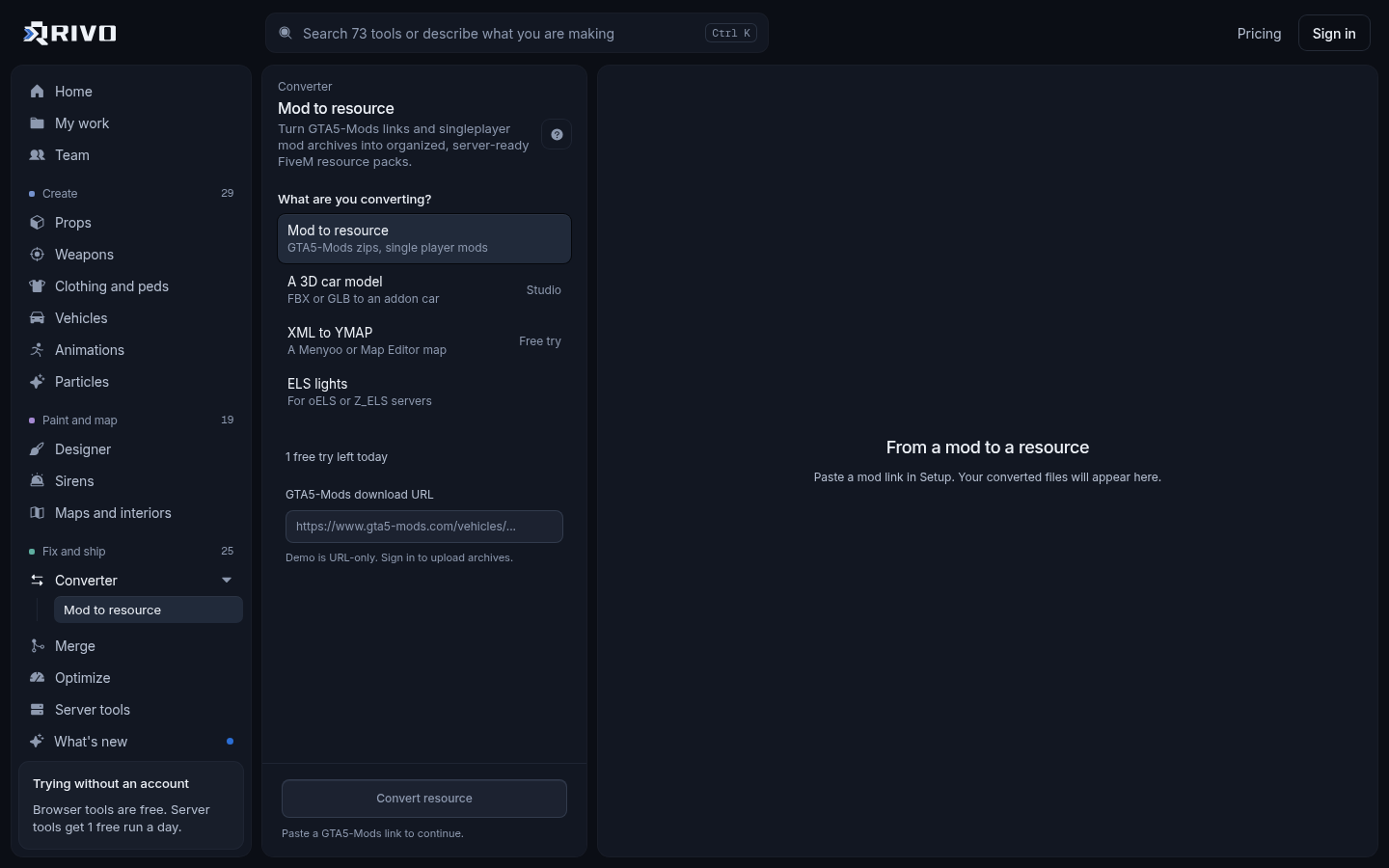
Which FiveM converter do you need?
A singleplayer mod from GTA5-Mods (car, prop, weapon or map): use the GTA 5 mod to FiveM converter.
A raw 3D car model as FBX, GLB or glTF: use the FBX to FiveM vehicle converter, which builds the .yft, texture dictionary and vehicle meta.
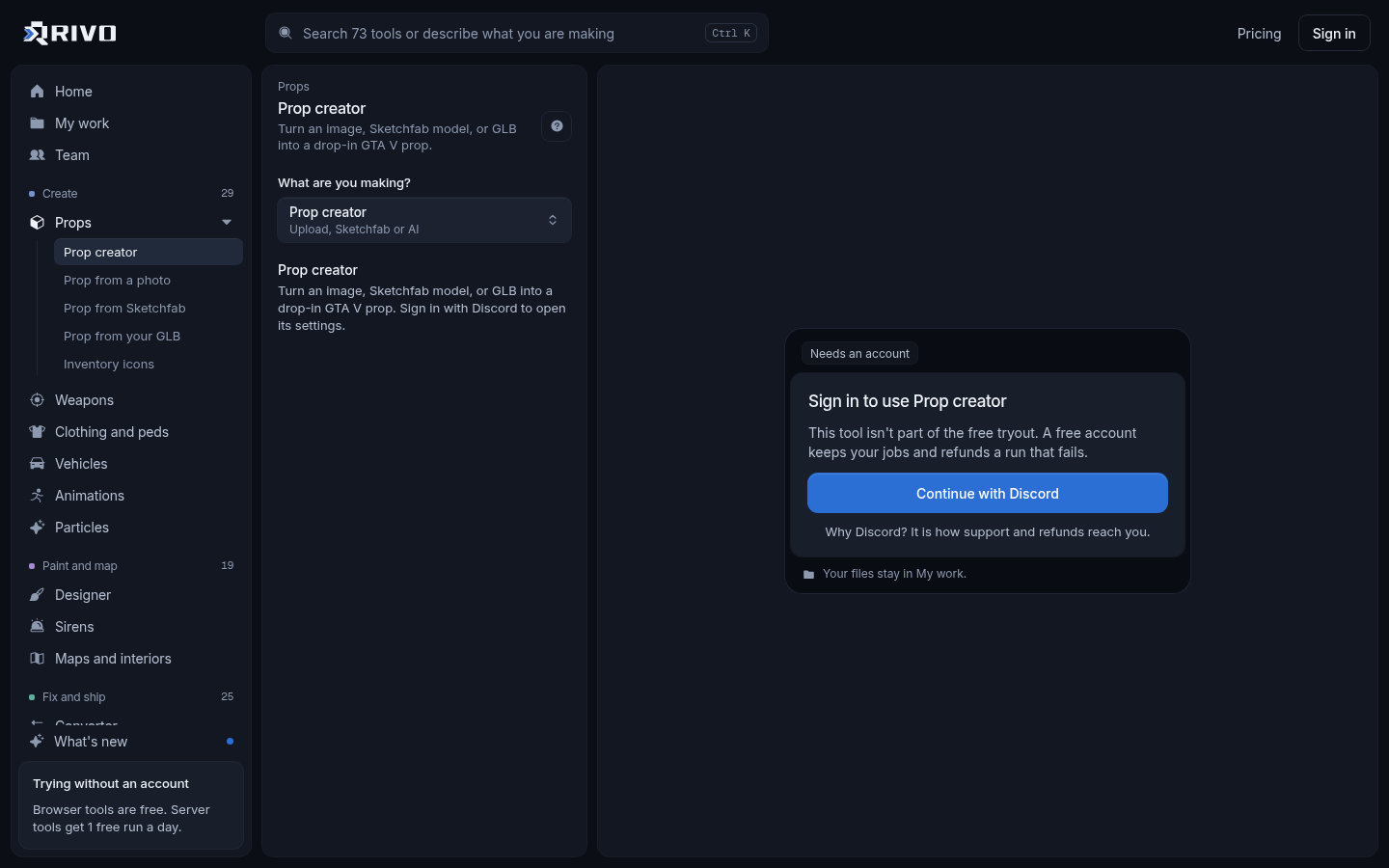
A Sketchfab URL: use the Sketchfab to FiveM prop converter to get a streamed prop with collision.
A GLB or glTF file you already have: use the GLB to FiveM prop converter.
An image or photo you want as a prop: the FiveM prop generator can build a prop from a photo.
An EUP or clothing pack: use the clothing pack manager to build one streamed clothing resource with its ymt.
A Menyoo or Map Editor XML map: use the XML to YMAP converter.
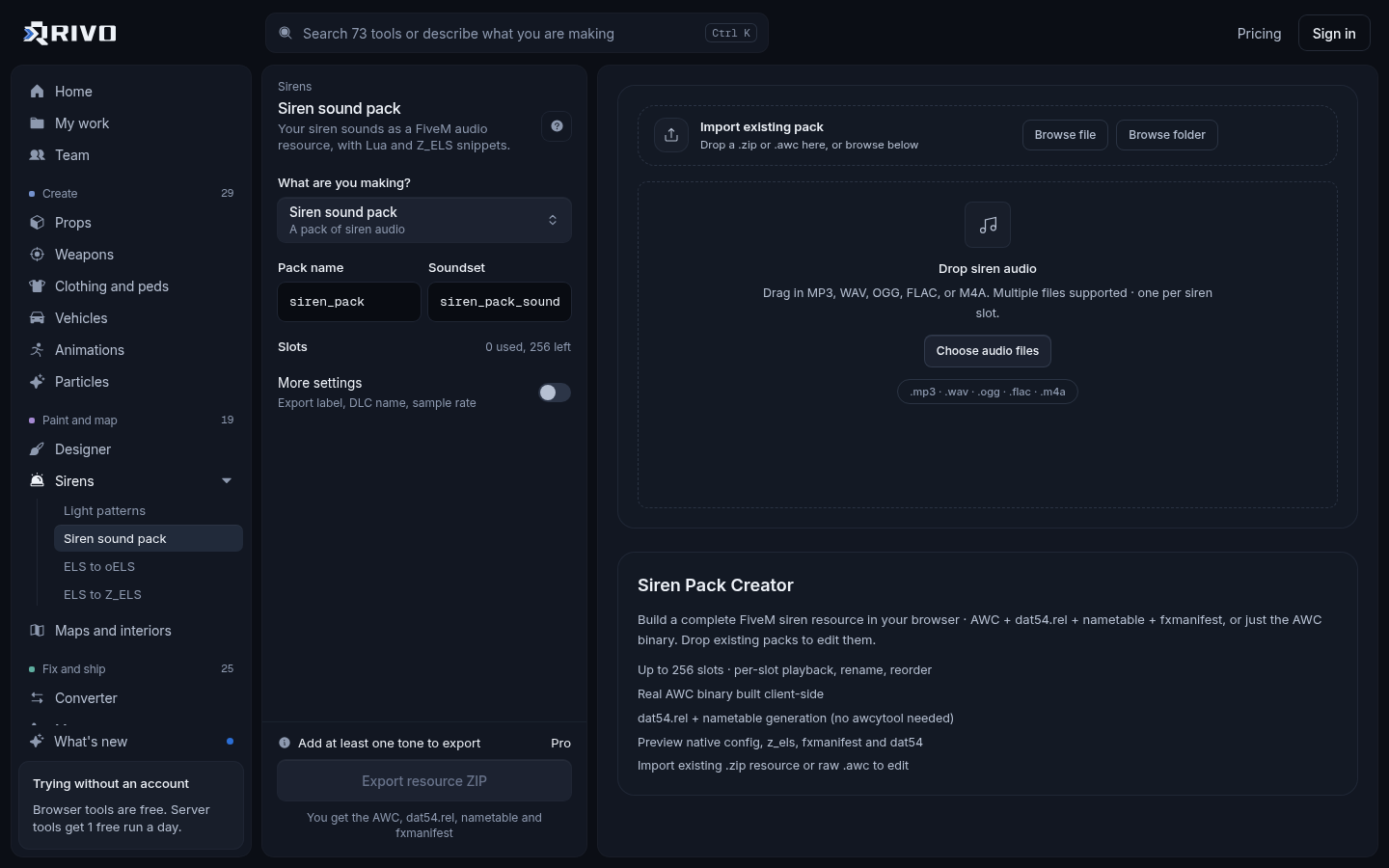
An ELS vehicle config: convert it with the ELS to Z_ELS converter or the ELS to oELS converter.
How to convert a GTA 5 mod to FiveM
Singleplayer mods are packed for OpenIV and dlc.rpf installs. FiveM does not read those archives the same way. It wants a resource folder with a stream folder for models and textures, meta files declared in fxmanifest.lua, and an ensure line in server.cfg.
Open the GTA 5 mod to FiveM converter.
Paste the GTA5-Mods link, or drop the mod's zip if you already downloaded it.
Let Rivo find the models, textures and meta files inside and sort them.
Download the resource and unzip it into your server's resources folder.
Add an ensure line for it to server.cfg and restart the server, or start it from the console.
For a longer walkthrough with common mod layouts, see the guide on the GTA 5 mods to FiveM converter.
What a converted car resource looks like
An addon car usually ends up laid out like this, with the drawable and texture files in stream and the meta files in data:
mycar/
  fxmanifest.lua
  stream/
    mycar.yft
    mycar_hi.yft
    mycar.ytd
  data/
    vehicles.meta
    handling.meta
    carvariations.meta
carcols.metaThe manifest lists the meta files and tells the game what each one is. Anything in stream is picked up automatically.
fx_version 'cerulean'
game 'gta5'

files {
  'data/vehicles.meta',
  'data/handling.meta',
  'data/carvariations.meta',
  'data/carcols.meta'
}

data_file 'HANDLING_FILE' 'data/handling.meta'
data_file 'VEHICLE_METADATA_FILE' 'data/vehicles.meta'
data_file 'CARCOLS_FILE' 'data/carcols.meta'
data_file 'VEHICLE_VARIATION_FILE' 'data/carvariations.meta'Then add the resource to server.cfg:
ensure mycarThe official reference for manifest entries and data_file types is at docs.fivem.net.
Converting cars: mods versus raw models
If the car came from GTA5-Mods, it is already a GTA V vehicle and only needs repacking, so the mod converter is the right tool. If you have a 3D model that was never in GTA, it needs building into a game vehicle first. The FBX to FiveM vehicle converter does that: it creates the .yft with wheels and the bones the game expects, plus the vehicles, handling and carvariations meta it needs to spawn.
After either route, a few tools save time:
Not sure of the spawn name? The vehicle spawn code finder lists every spawn code in a pack.
Car will not spawn? Run its meta through the vehicle meta checker.
Car is heavy and causes texture loss? Shrink it with the vehicle optimizer.
Two packs fighting over siren, light or modkit ids? The carcols ID fixer renumbers them.
Converting EUP and clothing packs
EUP and other clothing packs are made of ydd models and ytd textures that need a ymt to register them as addon clothing. The clothing pack manager takes an EUP pack, a clothing pack or loose files, lets you preview each item on a male or female freemode ped, fix names and slots, and builds one streamed resource with the ymt.
If you are combining several clothing packs that clash over the same slots, the clothing pack merger renumbers drawables so they stop fighting. Large packs are a common cause of texture loss, so the clothing optimizer is worth a pass before you ship.
Converting URLs and images
A "FiveM URL converter" search usually means turning a model link into something the game can use. For downloadable Sketchfab models, paste the link into the Sketchfab to FiveM prop converter, check the scale in the 3D preview, and download a prop resource with model, textures and collision.
For images, it depends on the goal:
Photo of an object you want in game: the FiveM prop generator builds a prop from it.
Item pictures for ox_inventory or qb-inventory: the inventory icon generator outputs transparent PNGs.
Artwork for a tattoo: the tattoo creator places PNG or JPG art on a ped and exports a tattoo pack.
New artwork inside an existing texture dictionary: the YTD texture editor replaces textures in a .ytd.
The FiveM props guide covers spawning and placing props once they are converted.
Converting maps and emergency lighting
Maps built in Menyoo or Map Editor save as XML, which FiveM does not stream. The XML to YMAP converter turns that XML into a binary .ymap you drop into a stream folder.
For emergency vehicles moving off ELS, drop the ELS VCF into the Z_ELS or oELS converter and download the new config. The Z_ELS for FiveM guide walks through setup.
Check the converted resource before it goes live
A clean conversion can still break a server if it clashes with what you already run. Run these checks before restarting a live server:
Check the manifest against the real files with the fxmanifest.lua checker.
Look for stream files and spawn codes that share a name with other resources using the asset conflict finder.
Scan for oversized textures and models with the server load checker.
If any part came from a source you do not know, scan its Lua and JS with the backdoor and malware scanner.
What about a FiveM sensitivity converter?
"FiveM sens converter" searches are about mouse sensitivity, not files, and none of the Rivo tools handle it. FiveM uses GTA V's own mouse sensitivity settings in the game's settings menu. Matching your aim from another game depends on that game's field of view and how it scales input, so test in game: set a value, do a full turn with a fixed mouse movement, and adjust until it feels the same.
Quick summary
Pick the converter that matches your source: GTA5-Mods downloads go through the mod converter, raw car models through the vehicle converter, Sketchfab and GLB files through the prop converters, EUP through the clothing pack manager, and Menyoo XML through the YMAP converter. Then check the result before it goes live. To read more about converting singleplayer mods, see the GTA 5 mod to FiveM converter page.