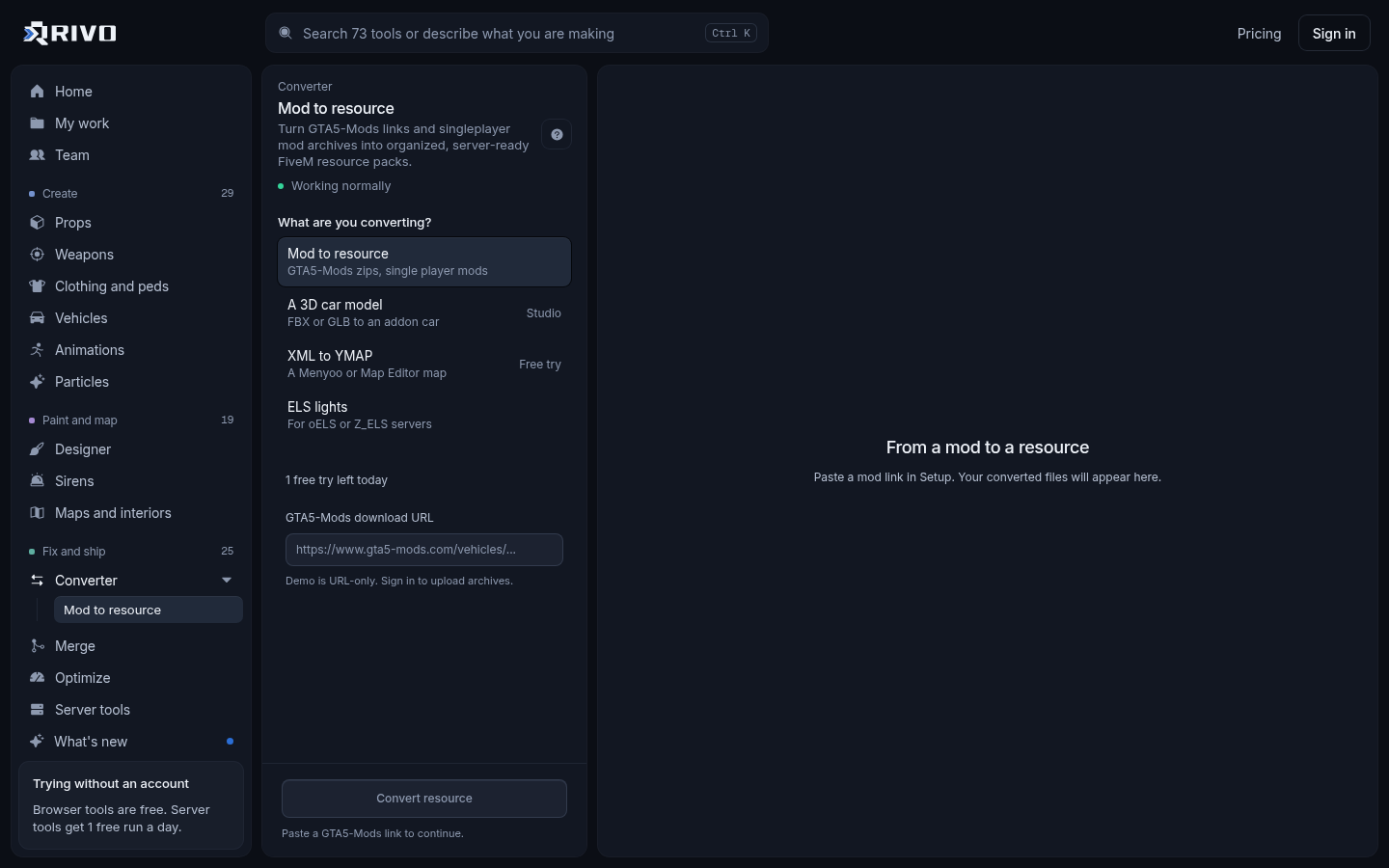
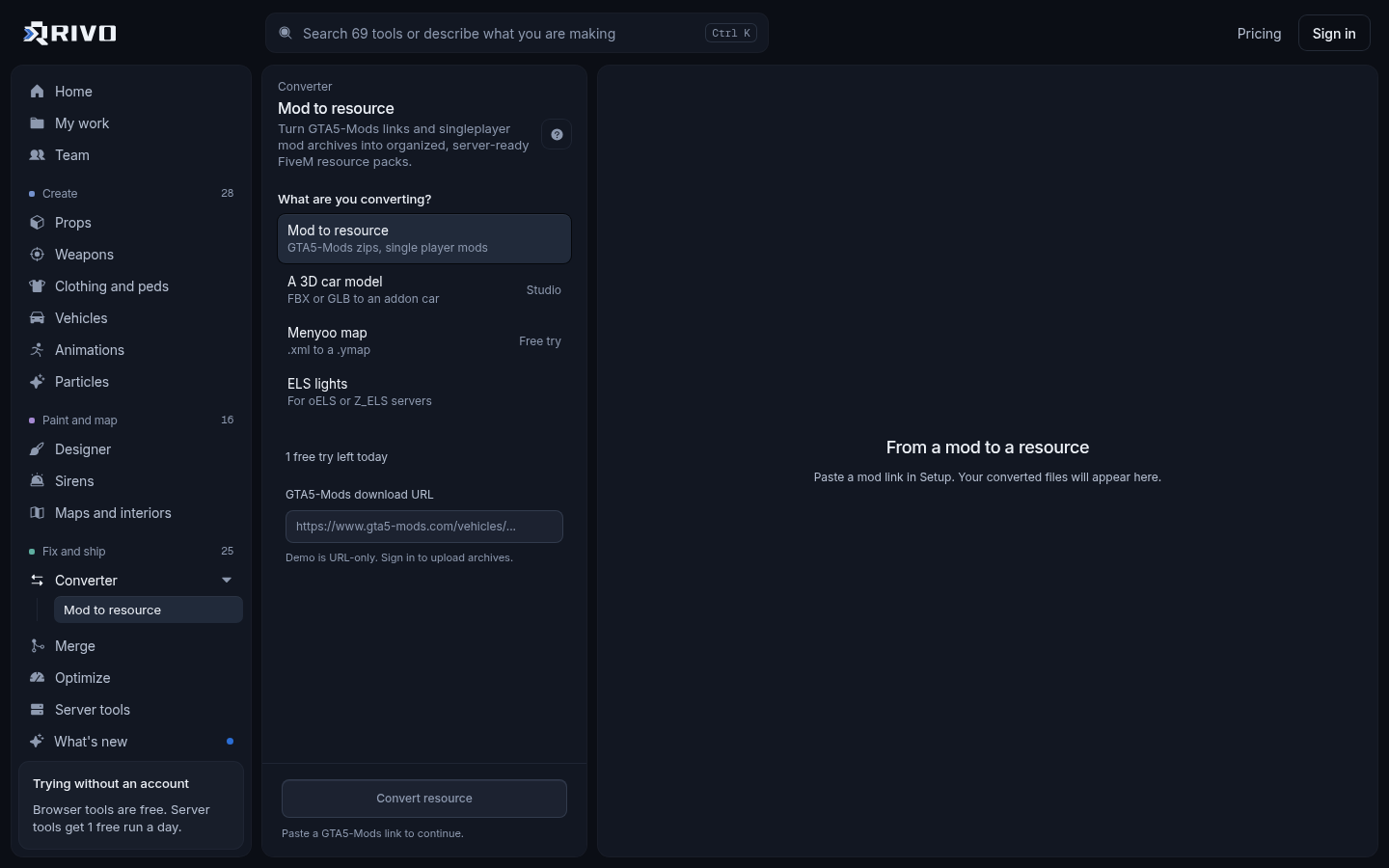
A GTA 5 mods converter takes a singleplayer mod, usually a GTA5-Mods download built for OpenIV, and repackages it as a FiveM resource: models and textures in a stream folder, meta files declared as data_file entries, and an fxmanifest.lua that tells the server what to load. The fastest way is to paste the mod's link or drop its zip into the GTA 5 mod to FiveM converter and download a resource you can ensure in server.cfg.
Asset mods convert well: cars, peds, props, maps, clothing and addon weapons. Script mods built for ScriptHookV, .asi plugins and trainers do not run on FiveM, so no converter can turn them into a working resource. Those have to be rewritten as FiveM scripts in Lua or JavaScript.
What a converter actually changes
Singleplayer mods and FiveM resources contain the same kinds of game files. The difference is packaging. A singleplayer mod expects you to open the game archives in OpenIV and either replace files or add a dlc.rpf pack and register it. FiveM never touches your game archives. It streams files from a resource folder instead.
Singleplayer addon mods ship a dlc.rpf with models, textures and meta inside, plus a dlcpacks entry you add to dlclist.xml.
Replace mods overwrite a vanilla file, for example swapping a stock car's .yft and .ytd.
.oiv packages are OpenIV installers that do either of the above for you.
A FiveM resource is a folder with an fxmanifest.lua, a stream folder for .yft, .ytd, .ydr, .ydd, .ymap and .ytyp files, and meta files declared with data_file lines.
Converting means pulling the files out of the archive, sorting streamed assets from meta, naming everything so it loads, and writing a manifest that declares each meta file with the right data_file type. That last part is where most hand conversions fail.
Which GTA 5 mods convert to FiveM
Addon vehicles: .yft and .ytd files plus vehicles.meta, handling.meta, carvariations.meta and carcols.meta.
Replace vehicles: convert fine, but they replace the stock car for everyone on the server.
Addon peds: .ydd, .yft, .ytd and peds.meta.
Props and maps: .ydr, .ytyp, .ymap and .ybn collision files.
Clothing: .ydd and .ytd files with the .ymt that registers them.
Addon weapons: models, textures and weapons.meta and related meta.
Not convertible: ScriptHookV and .NET scripts, .asi plugins, trainers and menus. If a mod's download contains only .dll, .asi or .cs files, it is a script mod and needs a FiveM rewrite rather than a conversion.
Check the mod's permissions before you put it on a public server. Many GTA5-Mods authors allow FiveM use, some ask for credit, and some forbid reuploads or paid use. Respect that, and only convert work you are allowed to use.
Convert a GTA 5 mod with Rivo
Open the converter and paste a GTA5-Mods link, or drop the mod's zip if you already downloaded it.
Rivo finds the models, textures and meta files inside and sorts them into stream files and data files.
Download the resource. It comes with a correct fxmanifest.lua and files named so they load.
Unzip it into your server's resources folder and add an ensure line to server.cfg.
You can read more about what it handles on the GTA 5 mod to FiveM converter page.
What the converted resource looks like
For an addon car, a working resource follows this layout. The folder name becomes the resource name you ensure.
mycar/
  fxmanifest.lua
  data/
    vehicles.meta
    handling.meta
    carvariations.meta
    carcols.meta
  stream/
    mycar.yft
    mycar_hi.yft
mycar.ytdThe manifest lists the meta files and declares each one with its data_file type. Files in the stream folder are streamed automatically and do not need to be listed.
fx_version 'cerulean'
game 'gta5'

files {
  'data/vehicles.meta',
  'data/handling.meta',
  'data/carvariations.meta',
  'data/carcols.meta'
}

data_file 'HANDLING_FILE' 'data/handling.meta'
data_file 'VEHICLE_METADATA_FILE' 'data/vehicles.meta'
data_file 'CARCOLS_FILE' 'data/carcols.meta'
data_file 'VEHICLE_VARIATION_FILE' 'data/carvariations.meta'The full list of data_file types is in the FiveM documentation.
Install the converted resource
Copy the resource folder into your server's resources directory, or a subfolder like resources/[vehicles].
Add an ensure line for it in server.cfg.
Restart the server, or run refresh and then ensure mycar from the server console.
Join and spawn the model by its name to test it.
# server.cfg
ensure mycarIf you are setting up a server from scratch, the server.cfg generator builds a clean config with your ensures in the right order.
Check it before it goes live
Converted mods were made for one player on one PC. A server streams them to everyone, so a few checks save problems later.
Cars that will not spawn: run the meta files through the vehicle meta checker.
Resources that will not start: the fxmanifest.lua checker compares the manifest against the real files.
Texture loss and slow joins: singleplayer cars often ship huge textures. Find them with the server load checker and shrink them with the texture optimizer or the vehicle optimizer.
Two mods with the same file or spawn name: the asset conflict finder lists every clash.
Siren, light or modkit ids clashing between car packs: the carcols ID fixer renumbers them.
Not sure what to spawn: the spawn code finder lists every spawn code in a pack.
Converting by hand
If you want to understand what the converter does, or you have an unusual mod, this is the manual route for an addon car.
Open the mod's dlc.rpf in OpenIV.
Export the .yft and .ytd files from the archive's vehicle folders into a new stream folder.
Export the meta files from the data folder: vehicles.meta, handling.meta, carvariations.meta, carcols.meta and any others.
Create an fxmanifest.lua that lists the meta files and declares each with the right data_file type.
Ensure the resource and test it.
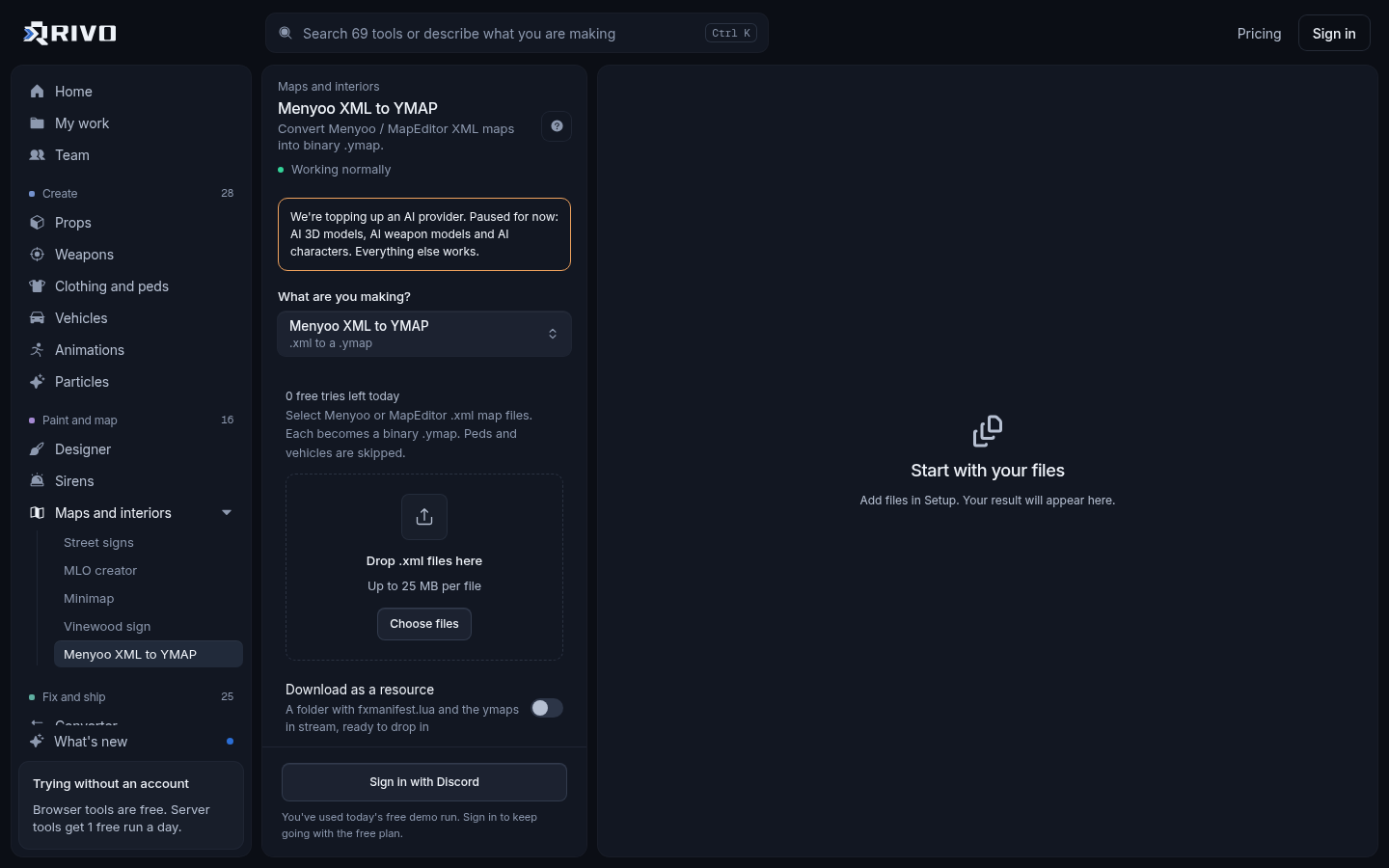
Replace mods are simpler: put the replacement .yft and .ytd in a stream folder with the same file names as the vanilla files. Maps from Menyoo or Map Editor are a different case. Those are XML files, and the XML to YMAP converter turns them into a .ymap you can stream.
Common problems after converting
The car spawns as a different model or not at all
The spawn name in vehicles.meta must match the .yft file name. Another resource may also use the same spawn name. Rename one with the spawn code renamer, which rewrites the meta and stream file names together.
Handling feels wrong
Singleplayer handling is often tuned for fun, not balance. Retune it in the handling.meta editor so it fits the rest of your fleet.
The mod has a .lua or .js file you did not expect
Pure asset mods do not need scripts. If a download from an unknown source includes code, scan it with the backdoor and malware scanner before it goes anywhere near your server.
Quick answers to related searches
Are there mods for GTA 5? Yes. GTA5-Mods hosts a huge library of cars, peds, maps, clothing and scripts. The asset mods are the ones you can bring to FiveM.
How to create a mods folder in GTA 5: this is for singleplayer only. OpenIV can create a mods folder in your GTA V install directory so edits go there instead of the original archives. FiveM does not use it, because resources stream from your server.
How to mod GTA IV on PC: FiveM runs on GTA V, and the tools on this site work with GTA V formats, so GTA IV modding is outside their scope.