"CodeWalker MCP" refers to connecting CodeWalker, the desktop GTA V map and file editor, to an AI assistant through the Model Context Protocol (MCP). CodeWalker itself does not ship an MCP server, so anything you find under that name is a community project. Treat it like any third-party code that touches your files: read it before you run it.
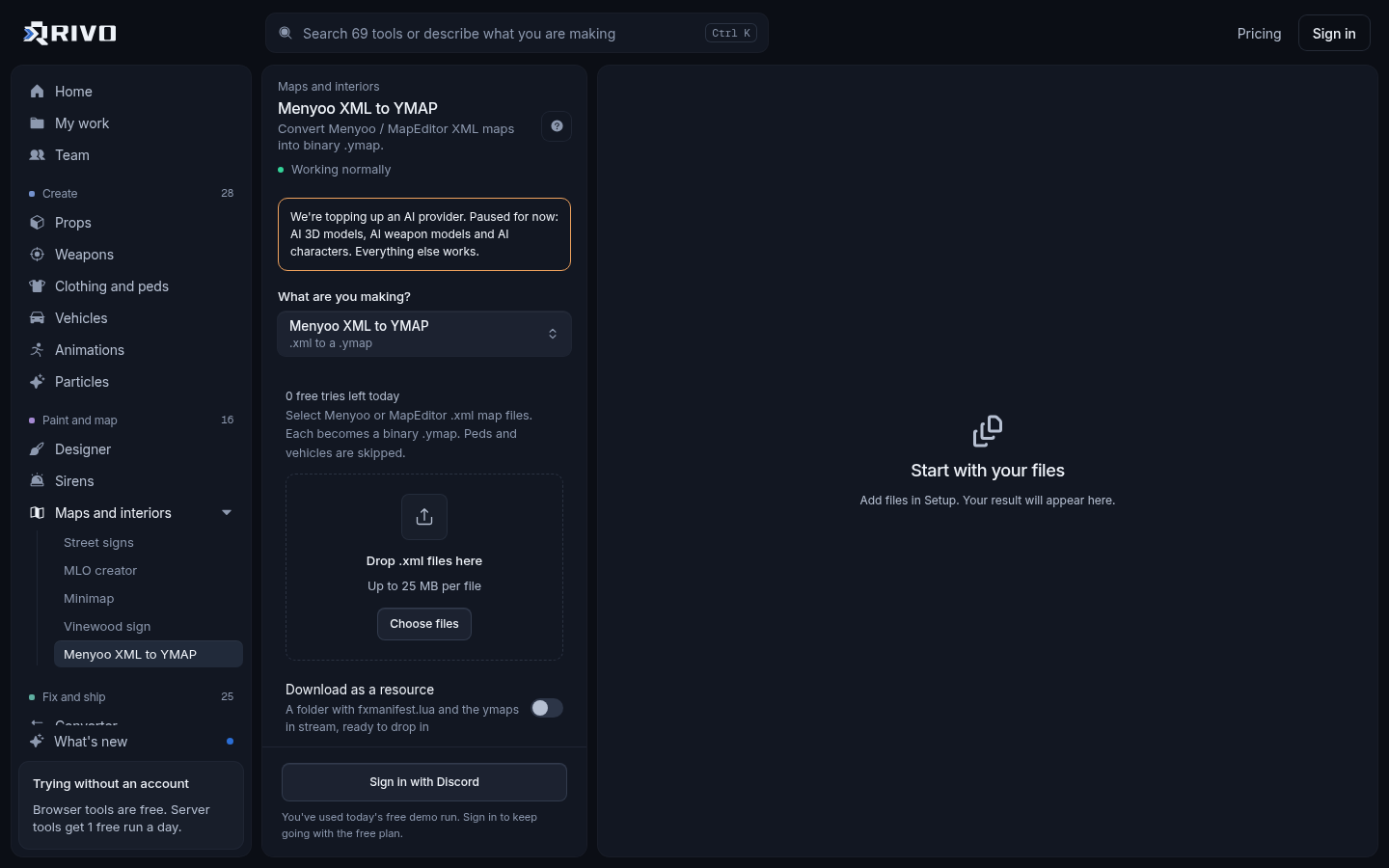
If what you actually want is to get a map out of Menyoo or Map Editor and onto your FiveM server, you do not need CodeWalker or an MCP server for that step. Drop the XML into the XML to YMAP converter and you get a binary .ymap you can stream straight away. The rest of this guide covers both routes.
What CodeWalker and MCP each do
CodeWalker is a Windows tool for exploring and editing GTA V's world. Modders use it to place entities, edit ymap and ytyp files, inspect collisions and build MLO interiors. It reads the game's binary formats and can export many of them to XML and import them back.
MCP is an open protocol that lets AI apps, such as Claude Desktop or AI-enabled code editors, call external tools through small programs called MCP servers. A server exposes functions like "read this file" or "convert this ymap to XML", and the assistant decides when to call them.
A CodeWalker MCP server would sit between the two: it wraps CodeWalker's file handling so an assistant can read, list or rewrite GTA V map data on your machine when you ask it to in plain language.
What an MCP setup can and cannot do
AI assistants work with text. GTA V map files like .ymap, .ytyp and .ybn are binary, so any useful MCP server has to convert them to XML for the assistant to read and convert them back after edits. That round trip is where most of the value and most of the risk sits.
Tasks it can help with
Listing every entity in a ymap and the archetypes they use.
Bulk edits on XML, such as offsetting positions or renaming archetypes.
Finding which ymap in a folder contains a given prop.
Explaining what flags or extents in an entity definition do.
Where it falls short
Placing objects by eye. CodeWalker's 3D view is still the right place for visual layout.
Guaranteeing valid output. An assistant can write XML that looks right but has wrong extents or broken references.
Modelling. It does not build drawables, textures or collision from scratch.
Fixing conflicts between two maps that edit the same area, which needs a side-by-side comparison.
Before you install a community CodeWalker MCP server
An MCP server runs on your computer with whatever access you give it. A careless or malicious one can delete files or send them elsewhere. Run through this list first.
Only use projects with public source code you can read. Skip anything shipped as a lone executable.
Check what tools it exposes. Read, list and convert functions are low risk. Arbitrary shell commands or unrestricted file writes are not.
Point it at a copy of your map folder, never your live server or your GTA V install.
Look for network calls in the code. A local file tool has no reason to contact an outside host.
Keep backups. Version your map resources with git so any bad edit is one revert away.
Respect other creators. Only feed it files you made or have the right to edit, and never use it to unpack escrowed or protected resources.
A map workflow that skips the MCP step
Most server owners searching this want maps on their server with less manual work. You can do that entirely in the browser, keeping CodeWalker for the visual jobs it is best at.
Build or download your map in Menyoo or Map Editor and save it as XML.
Drop the XML into the XML to YMAP converter, check the converted entities, and download the .ymap.
If you have several small ymaps for one area, combine them with the YMAP merger so fewer files stream.
If the map uses custom props from more than one pack, merge their archetype files with the YTYP merger.
Create a resource folder, put the .ymap and any .ytyp, .ydr, .ytd and .ybn files in a stream folder, and add an fxmanifest.lua.
Ensure the resource in server.cfg and restart.
A minimal manifest for a map resource looks like this. Files in the stream folder are picked up automatically. A custom .ytyp needs a data_file entry so the game registers its archetypes.
fx_version 'cerulean'
game 'gta5'

this_is_a_map 'yes'

data_file 'DLC_ITYP_REQUEST' 'stream/my_props.ytyp'Your folder should end up like this:
resources/
  [maps]/
    my_map/
      fxmanifest.lua
      stream/
        my_map.ymap
        my_props.ytyp
        my_props.ydr
my_props.ytdThen add it to server.cfg:
ensure my_mapThe official manifest reference is at docs.fivem.net if you need other entries. If you would rather not write the manifest yourself, the fxmanifest.lua generator reads the folder and declares every file and data_file for you.
Where CodeWalker still earns its place
Browser tools and AI helpers do not replace CodeWalker for everything. Keep it installed for:
Placing and nudging entities in the 3D world view.
Building and editing MLO interiors and their portals and rooms.
Removing or hiding vanilla objects in a specific spot.
Inspecting how an existing ymap sits in the world before you change it.
For the conversion and packaging around those jobs, the XML to YMAP converter guide page explains what the converter handles, so you can decide which steps to keep in CodeWalker and which to move to the browser.
Check the result before it goes live
Whether your files came from CodeWalker, an MCP-assisted edit or the browser, check them before players join. Edited map data fails quietly: an entity vanishes or an area stops loading, and the console rarely tells you why.
Run the resource through the fxmanifest.lua checker to catch wrong paths and missing data_file entries.
Use the map conflict resolver if two map resources edit the same area. It shows which copy streams and merges them into one fix resource.
Scan everything with the asset conflict finder to catch stream files that share a name across resources.
Check file sizes with the server load checker so a heavy prop pack does not cause texture loss.
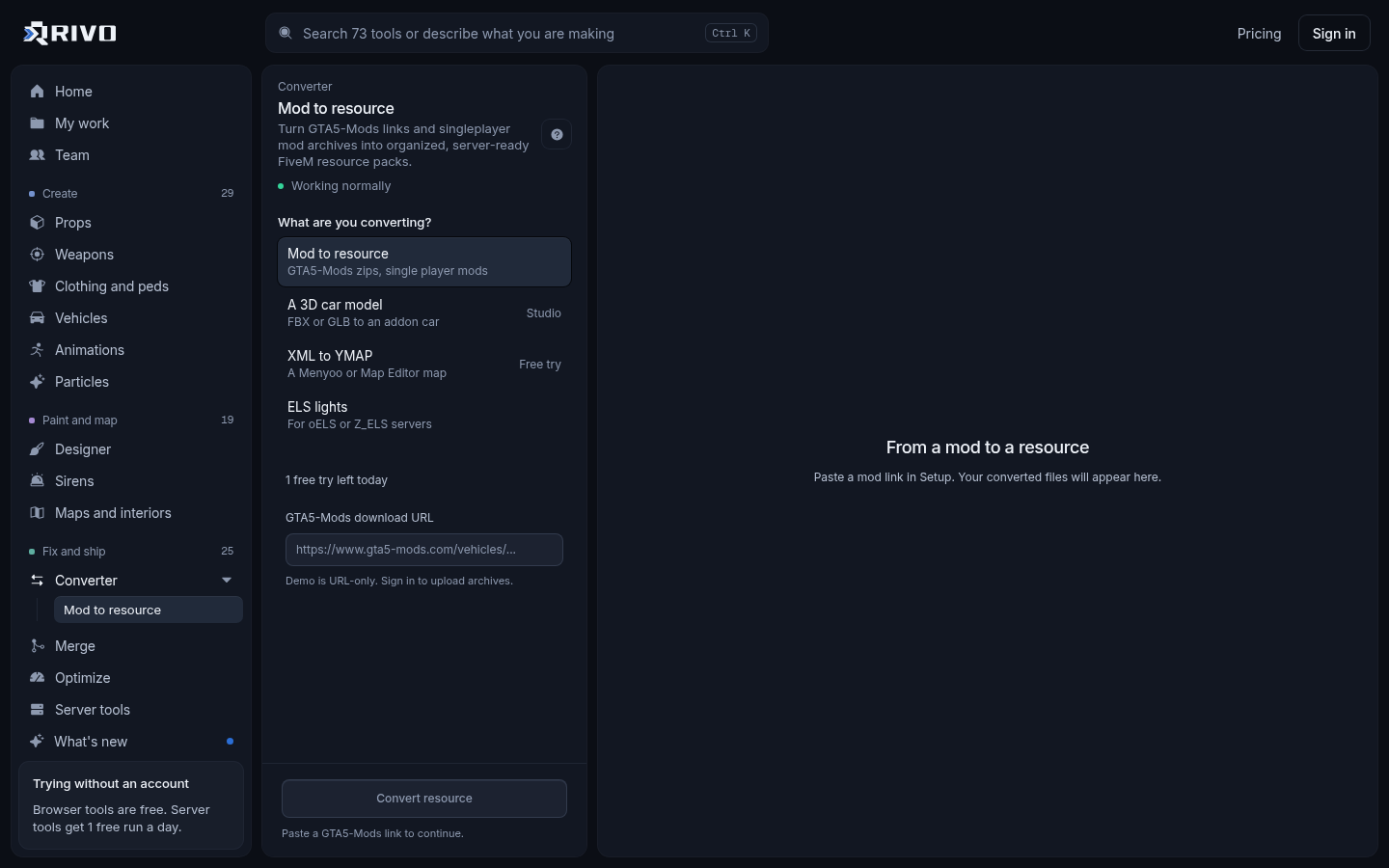
If your map started life as a singleplayer mod rather than an XML file, the GTA 5 mods converter guide walks through turning it into a FiveM resource first.
Quick answers
Is there an official CodeWalker MCP?
No. CodeWalker does not include an MCP server. Any you find are community builds, so vet the source before giving one access to your files.
Do I need CodeWalker to convert a Menyoo map to ymap?
No. Converting Menyoo or Map Editor XML to a streamable .ymap works in the browser with no CodeWalker step. You still want CodeWalker for visual placement and MLO work.
Can an AI assistant break my map files?
Yes. Edits made through XML can produce files that load but place entities wrongly or drop them. Work on copies, keep backups and test on a development server before pushing changes live.